Manufacturer solution
Revit family creation for lighting manufacturers
Revit family creation for lighting manufacturers starts with the CAD and photometry the manufacturer already owns. Prepare each product as text SAT plus IES, convert single fixtures or catalogue batches into verified Revit 2025+ RFA families, keep source and output together in the private BIM Library, and re-issue when product data or photometry changes.
Direct support status
| Input | Directly accepted? | Required action |
|---|---|---|
| Text ACIS .sat geometry | Yes | Export as a solid at ACIS 7.0 or 4.0; millimetres are recommended. |
| Binary ACIS .sab geometry | No | Re-export or translate it to text ACIS SAT 7.0 or 4.0 first. |
| IES LM-63 photometry | Yes | Pair the IES with the matching luminaire geometry. |
| STEP / STP | No | Open, simplify and export the geometry to ACIS SAT before using BIMMER. |
| Native CAD such as .sldprt, .ipt or .3dm | No | Use the CAD application or a suitable intermediary to export SAT first. |
The BIMMER workflow
- Define a catalogue owner and a BIM-ready CAD/IES naming convention keyed to product code, optic and variant.
- Pilot one representative fixture: prepare SAT 7.0/4.0, pair its IES, generate and approve the quality checklist.
- Batch the remaining range in product rows, download ZIP outputs and file successful conversions in the private BIM Library.
- When CAD, identity data or IES changes, re-issue from the stored source so the next family version remains traceable.
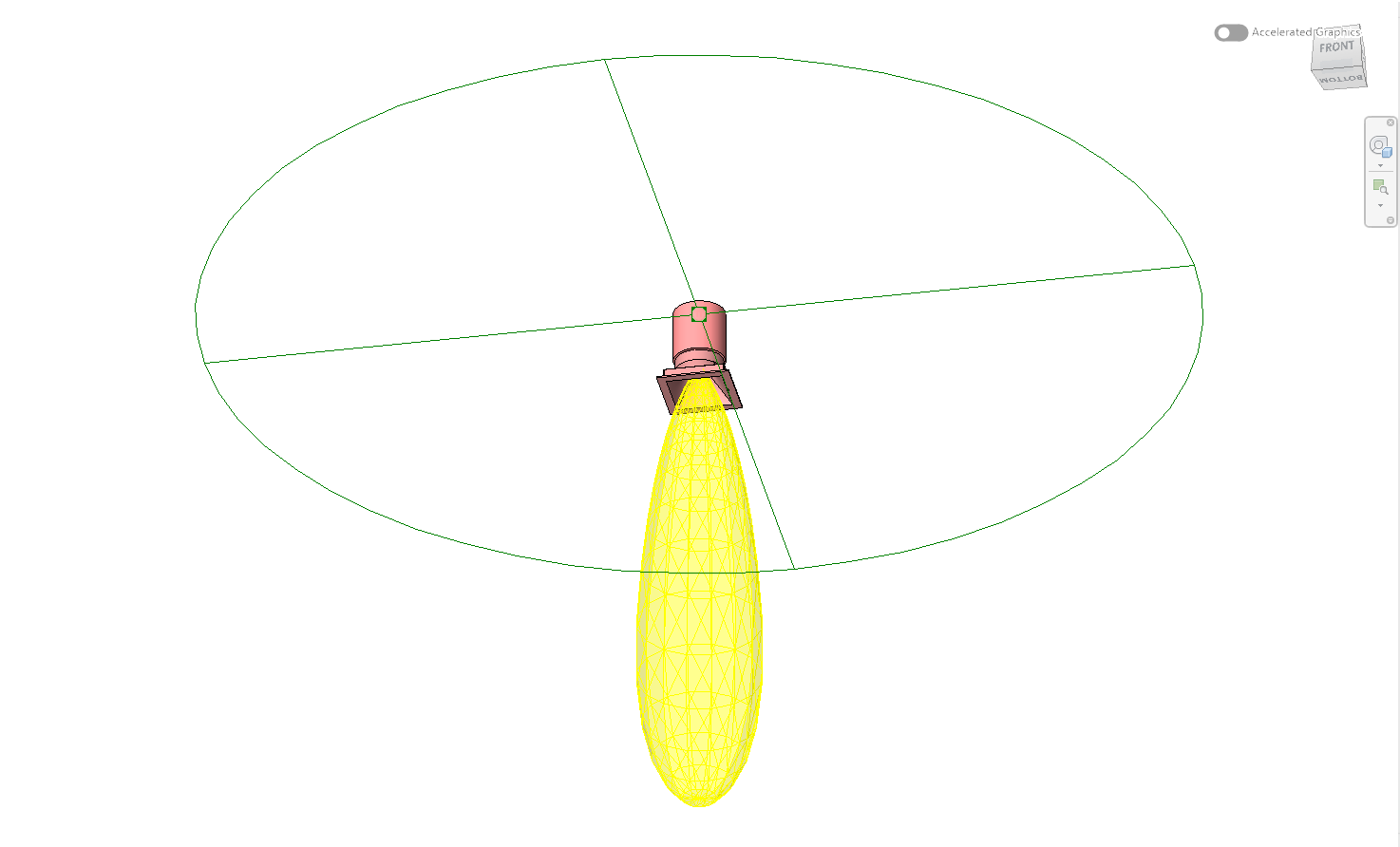
BIM content for lighting manufacturers stays manufacturer-owned
The manufacturer already owns the authoritative geometry, measured photometry and catalogue data. BIMMER gives that team a repeatable conversion workflow instead of requiring a new agency brief for every variation. The generated files remain the manufacturer’s output; BIMMER does not claim ownership of uploaded CAD, IES or RFA files.
Cloud and desktop privacy choices
BIMMER Cloud runs the conversion on BIMMER’s Autodesk infrastructure and stores source/results in the signed-in customer’s private library until deletion. The limited Founding Edition desktop product runs on the customer’s Windows machine and Autodesk account. Current availability and terms belong on the live pricing and legal pages, not duplicated here.
Catalogue scale without losing verification
Batching is an input/output convenience, not a reason to skip checks. Approve a representative fixture pattern, maintain exact CAD-to-IES mapping, and review exceptions. BIMMER logs decisions and only labels an output ready after its pipeline gates complete.
Common failures and what to change
A catalogue spreadsheet maps one “typical” IES to several real optics.
Make the mapping variant-specific before batching; one incorrect source mapping can multiply into many incorrect families.
Manufacturing CAD creates oversized families.
Create controlled BIM-ready configurations and version them beside the master CAD.
Nobody owns re-issues after launch.
Assign a catalogue owner and trigger a new family version whenever geometry, photometry or published identity data changes.
Questions manufacturers ask
Who owns the resulting Revit families?
The customer retains ownership of its uploaded CAD/IES and generated output under BIMMER’s published terms. BIMMER does not claim product IP.
Can a manufacturer convert a whole range?
Yes. Use one row per product and stack the required SAT/IES variants. BIMMER can return batch output as a ZIP while preserving individual verification results.
Can BIMMER create BIM content for a lighting manufacturer?
Yes. BIMMER converts prepared text SAT geometry and matching IES into manufacturer-owned Revit 2025+ lighting-family RFA files, individually or in catalogue batches.
Primary references
- Specify an IES file for a light source in Revit — Autodesk
- About importing ACIS objects into Revit — Autodesk
- IES lighting standards library, including LM-63 — Illuminating Engineering Society