Intermediary workflow
How to convert a STEP file and IES into a Revit family
To convert a STEP or STP file to Revit with BIMMER, first open it in a CAD tool that can repair and simplify it, then export a solid text ACIS SAT at version 7.0 or 4.0. Pair that SAT with the matching IES in BIMMER. The output is a verified Revit 2025+ lighting-family .rfa—not a promise of native STEP upload.
Before you upload
Choose your CAD export route
BIMMER needs text SAT + IES. Export the geometry first; native CAD, STEP and binary SAB are not direct uploads.
- Text .sat
- ACIS 7.0 or 4.0
- Solid geometry
- Known units · mm preferred
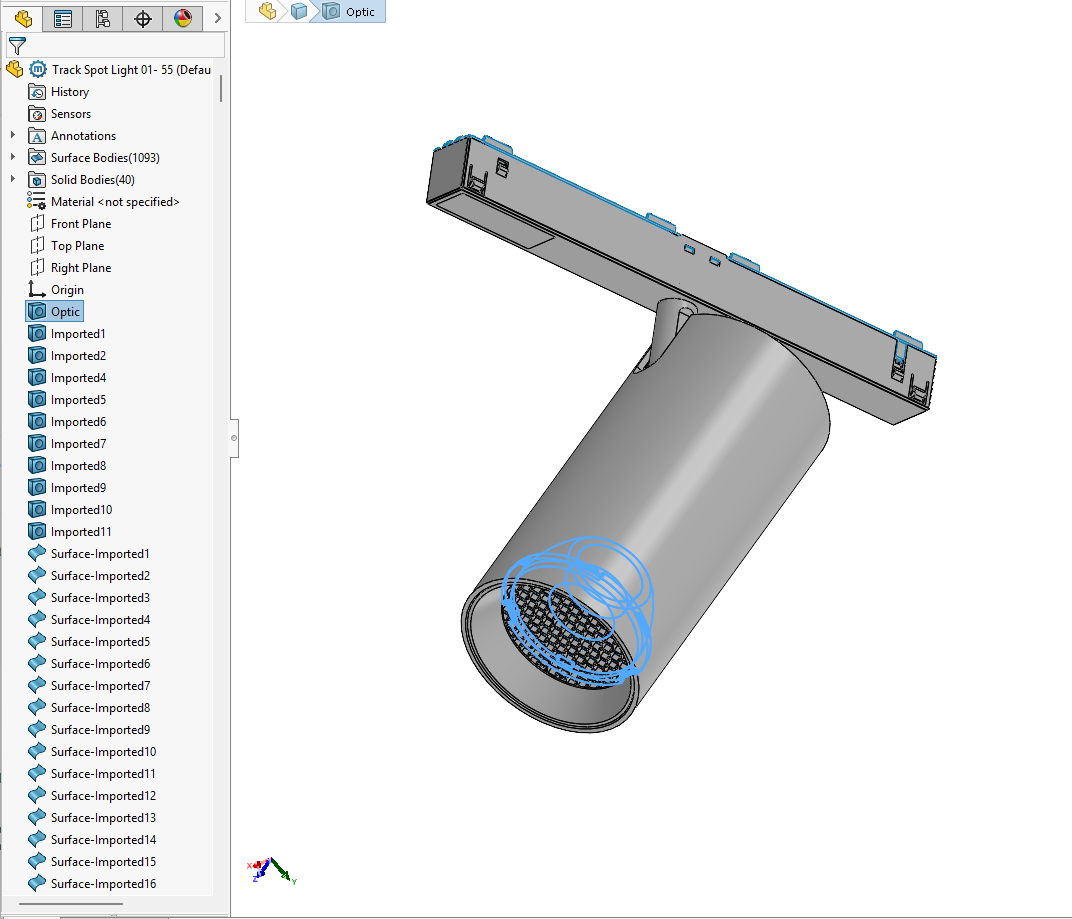
Names help detection. Name the actual light-source parts Lens, Optic, COB, LED, Lamp or Glass. Keep holders labelled as holders; name mounting parts Canopy, Mounting foot or Backplate.
A 700 or 400 SAT header identifies ACIS 7.0 or 4.0. Check the actual export; changing the file extension or editing the header does not convert geometry.
Direct support status
| Input | Directly accepted? | Required action |
|---|---|---|
| STEP / STP | No | Open in Inventor, Fusion or another capable CAD tool and export SAT 7.0/4.0. |
| Revit 2024.2+ direct STEP import | No | That Revit capability is separate from BIMMER and does not create BIMMER’s configured lighting-family workflow. |
| Prepared text ACIS SAT | Yes | Use with the matching IES after geometry repair and simplification. |
| IES | Yes | Required alongside the prepared text SAT. |
The BIMMER workflow
- Open the STEP in Inventor, Fusion or another CAD application that can inspect and heal imported solids.
- An assembly can work directly. If its export loses bodies or names, try a copy saved as a multibody part (see the tool guides).
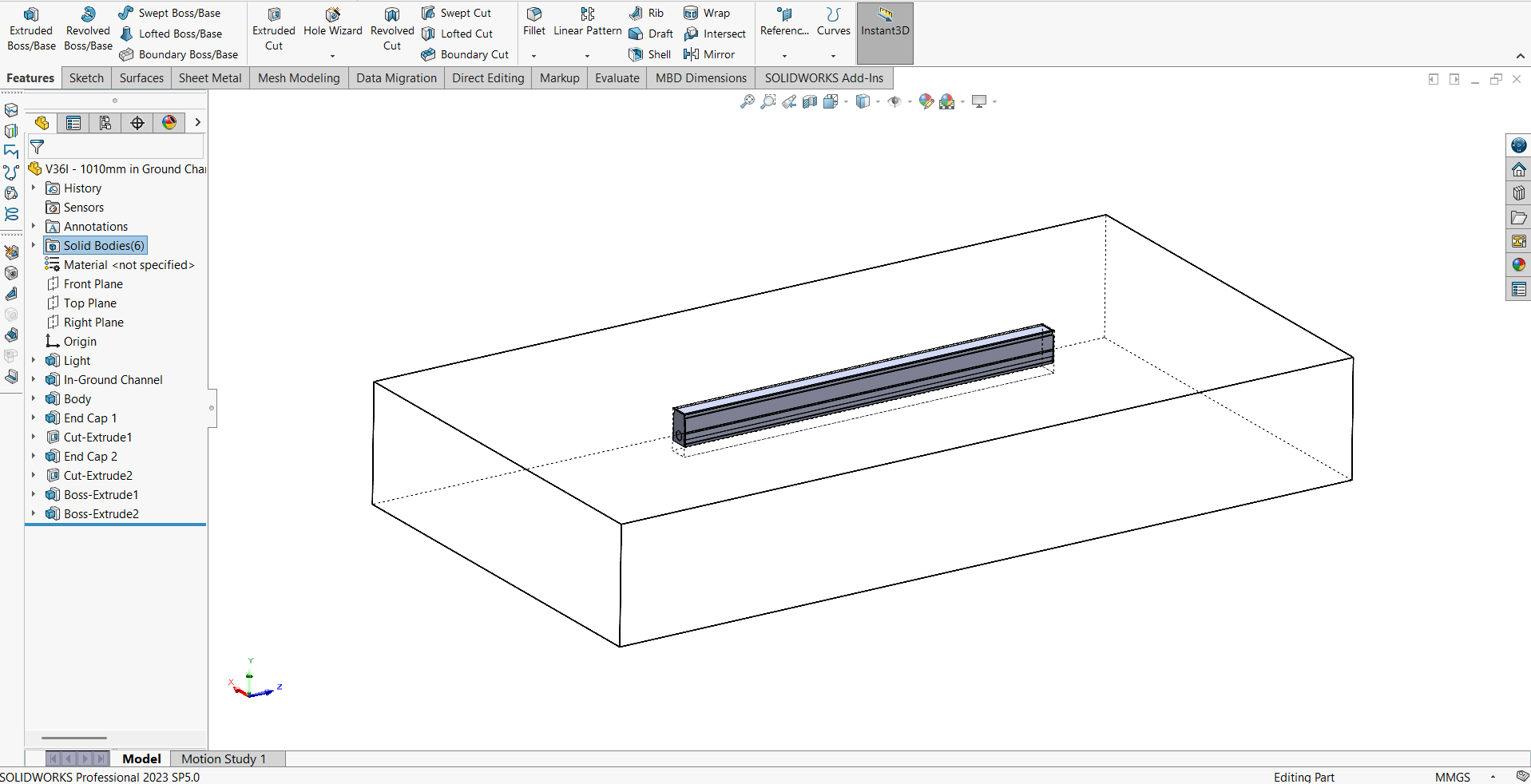
- Retain optical and mounting geometry, simplify unnecessary detail, confirm solid bodies and review the suggested emitter after upload.
- Export ACIS SAT 7.0 or 4.0 in the intended units. Re-open the SAT once to confirm size and body count.
- Pair the SAT with the correct IES in BIMMER, generate and verify the Revit 2025+ RFA.
STEP file to Revit: why preparation comes first
STEP is a strong neutral exchange format, but it is not BIMMER’s accepted geometry contract. The preparation stage is useful: it is where a manufacturing model is healed, simplified and organised for BIM. A direct raw import would not decide which internals to remove or which body emits light.
Revit 2024.2 and later can import STEP directly, but importing a solid into a project is not the same job as building a reusable lighting-fixture family with IES photometry, parameters and verification.
Choose an intermediary you can verify
Inventor documents SAT export, and eligible Fusion licences expose SAT export; either can be an intermediary route when its installed version can produce the required file. The important acceptance test is the result: a solid at ACIS 7.0 or 4.0 with correct physical dimensions and useful body separation. BIMMER makes no promise or ETA for native STEP upload.
Common failures and what to change
The STEP opens as surfaces rather than a watertight solid.
Repair or stitch the model in the intermediary CAD tool before SAT export; do not expect the format change to heal geometry automatically.
The SAT is the wrong physical size.
Confirm STEP import units and SAT export units, then measure a known dimension before conversion.
The exported SAT is newer than ACIS 7.0.
Choose version 7.0 or 4.0 explicitly; a default SAT export may be too new.
Questions manufacturers ask
Will BIMMER add direct STEP upload?
There is no supported direct STEP workflow or published ETA. Today, convert STEP to ACIS SAT 7.0 or 4.0 first.
If newer Revit releases import STEP, why use SAT and BIMMER?
A direct geometry import is not a complete manufacturer lighting family. BIMMER uses prepared SAT plus IES to build a category-correct RFA with photometry, parameters and verification.
Is BIMMER a direct STEP file to Revit converter?
No. STEP and STP are preparation sources. Convert the repaired model to text ACIS SAT 7.0 or 4.0, then upload that SAT with IES to create the Revit family.
Primary references
- How to import a STEP file into Revit — Autodesk
- Inventor SAT export uses version 7.0 — Autodesk Inventor
- Export a CAD design from Fusion — Autodesk Fusion
- Specify an IES file for a light source in Revit — Autodesk